
Florida Surveyor/Mapper License Exams
The Florida Department of Agriculture & Consumer Services (FDACS) has partnered with Everblue to provide surveyor/mapper license exams.
Our online exams are on demand, meaning that you'll be able to take your exam immediately after you register. You'll be able to take your exam any time without scheduling a test appointment or traveling to an in-person facility.
Our in-person exams are available at test centers across the state of Florida. You’ll be able to schedule an exam at a location near you.
Everblue’s goal is to deliver exams in a convenient, secure, and flexible manner to ensure the proper standards are enforced while also supporting the state’s economy.
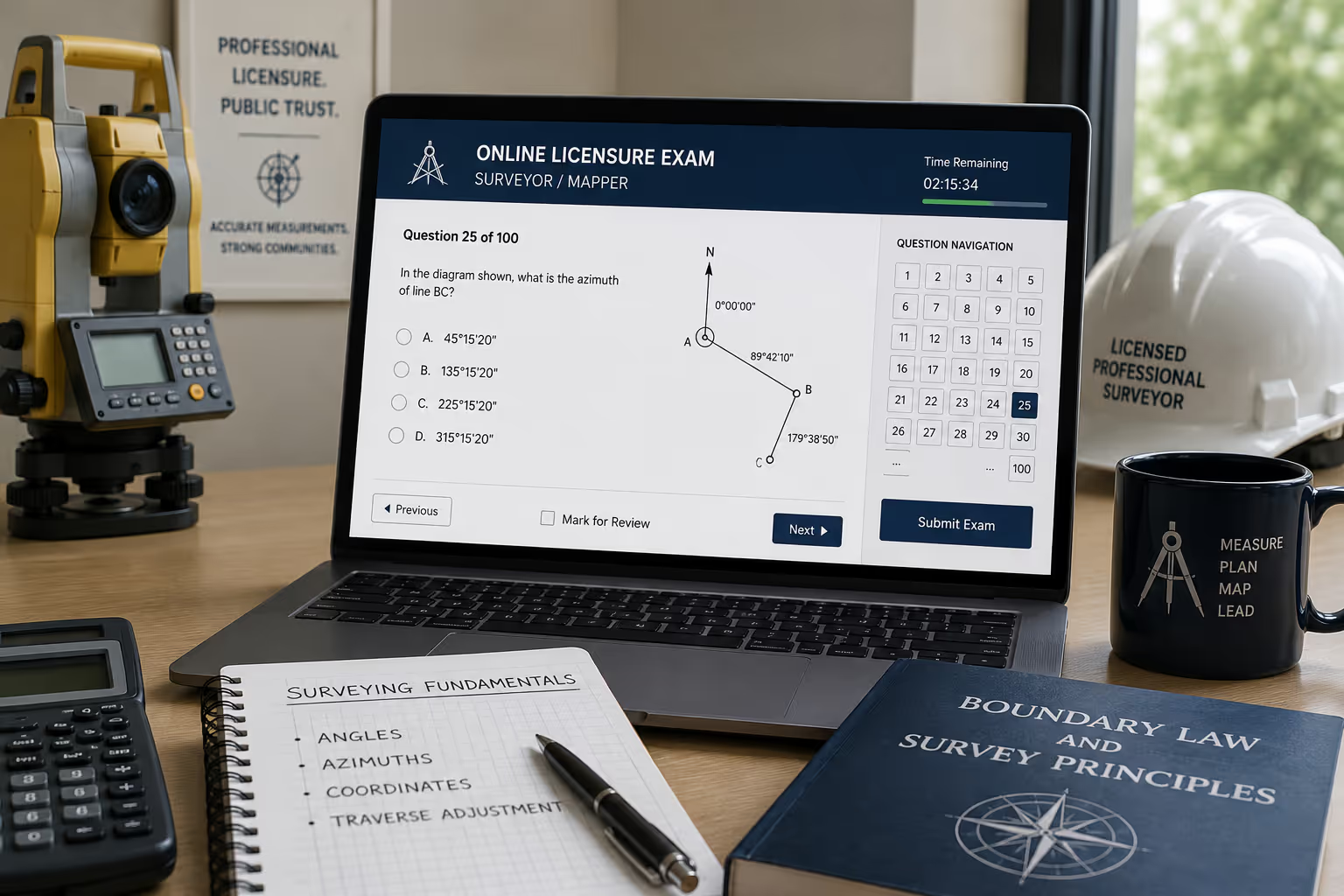

Here's a step-by-step guide for what to expect:
Step 1: Visit the FDACS Surveyor/Mapper Exams website to register for an exam.
Step 2: Choose an exam format and pay relevant exam fees.
Step 3: You will receive an email from Everblue with instructions for either logging into the online test portal or scheduling details for an in-person exam.
Step 4: Take your exam at the time convenient to you.
Step 5: Everblue will transmit your exam results back to FDACS. Depending on the testing modality, the process may take up to 3 business days.
Technology Requirements (remote exams only):
- Use a traditional desktop or laptop. You cannot take the exams from mobile devices (e.g., Chromebook, iPhone, iPad, Android device, etc.).
- You must have administrative rights to this computer to allow for the proctoring tool to be downloaded.
- If a “remote desktop” application is used, it must be disabled on the laptop or desktop computer to be used for the online exam. If you do NOT disable the “remote desktop” application, then you will not be able to properly install the exam proctoring application – Respondus with LockDown Browser.
- Check to be sure your computer operating software is up to date. Your operating system must be updated and at minimum: Windows 10+ or MacOS 10.15+.
- You will need to have Internet Speed Upload: 1 Mbps and Download: 2 Mbps. Tethering, VPNs, or Hotspots are not suggested.
- You need a working webcam and microphone.
- You can only use ONE monitor; dual monitors are not allowed.
- You will need administrative rights to your computer to download the proctoring tool.
- Use an updated version of Google Chrome or Edge.
- Shut down your computer and restart before entering the exam and DO NOT OPEN OTHER APPLICATIONS on your computer other than this exam.
.webp)